
Arch Linux · GTK4 · 0.1.0
Lumina
Package manager for Arch. pacman for the official repos. paru for the AUR, or yay if you don't have paru.
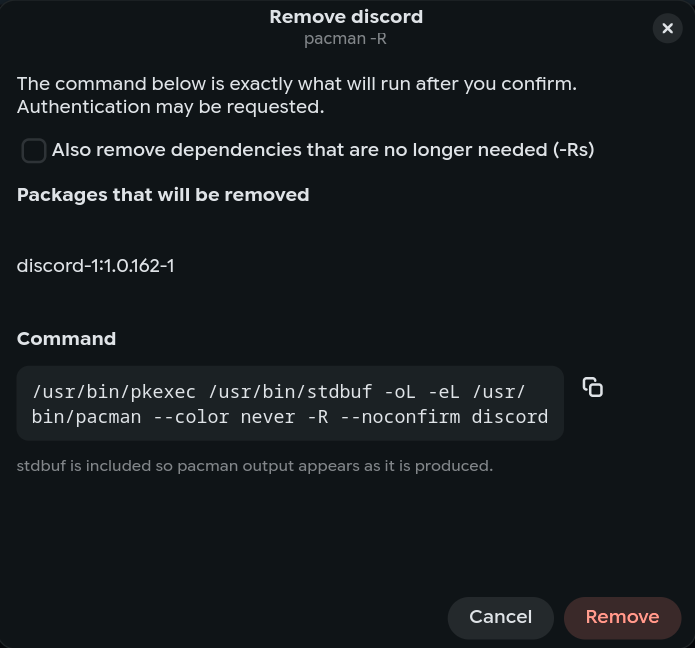
Install, remove, and update show the command first. You confirm it, then the output shows up.
curl -fsSL /install.sh | bash
Host is filled in from this page.
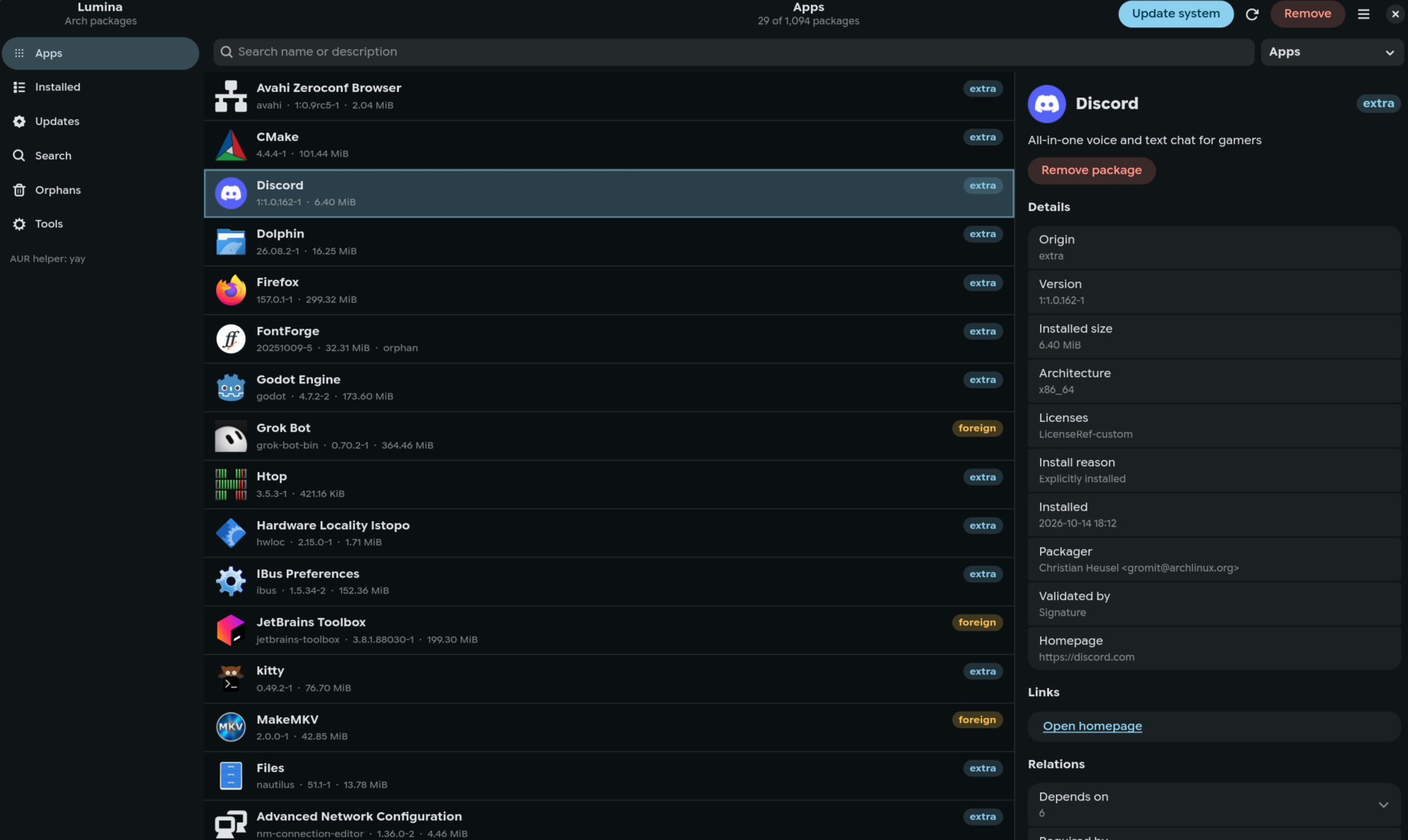
- Command before pkexec
- stdout and stderr in the window
- paru, otherwise yay
- Official repos work with no helper
- Hyprland and KDE
- Orphans, cache, disk
What's in the window
--noconfirm is added only after you confirm. The log is the real process, not a progress bar standing in for it.
Installed
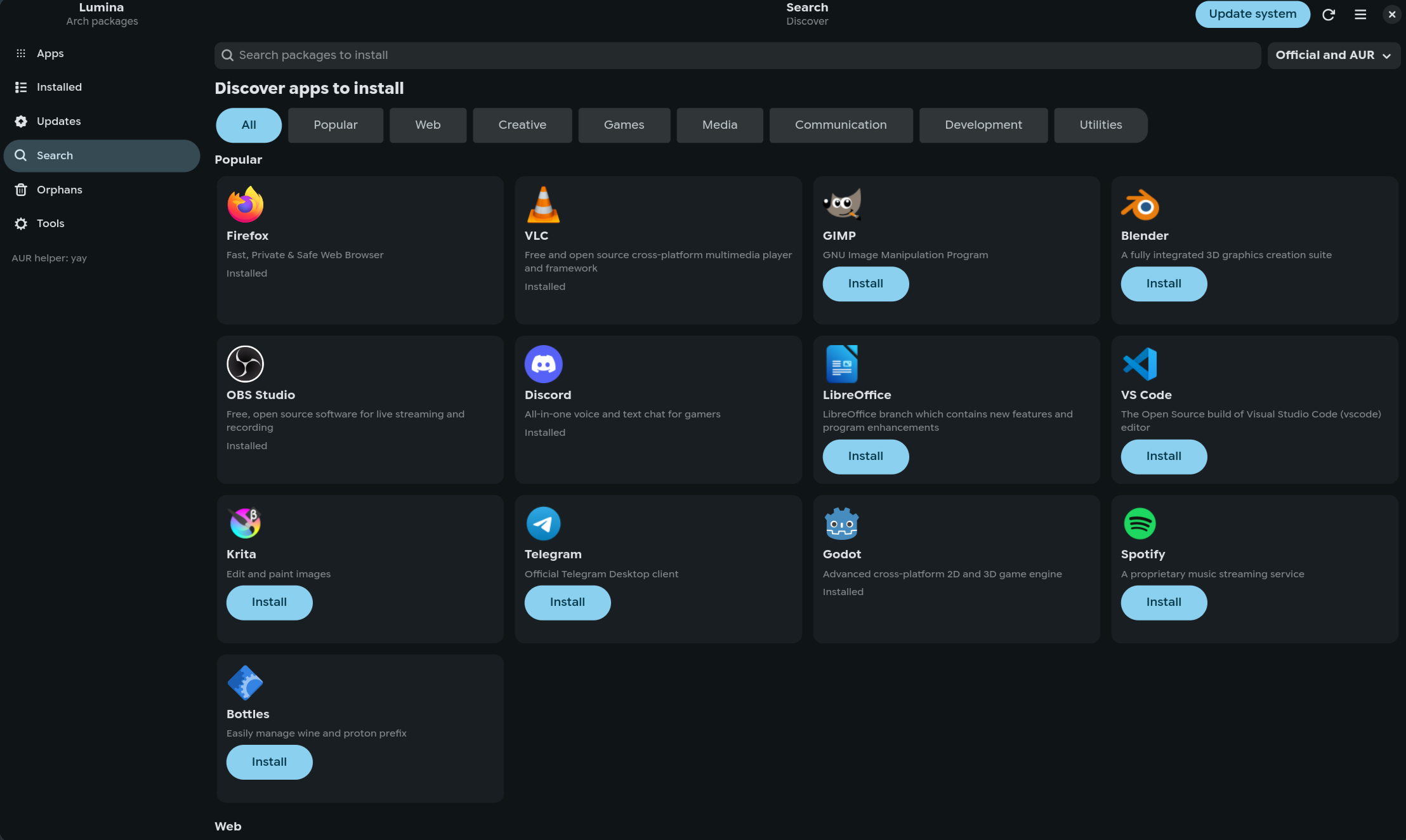
Name, version, size, origin. Filters for explicit, official, AUR, and orphans. The side panel has dependencies, required-by, homepage, and licenses.
Updates
Pending upgrades from the repos and the AUR. Update the system, sync the databases, or upgrade one package. The line is whatever pacman or your helper would run.
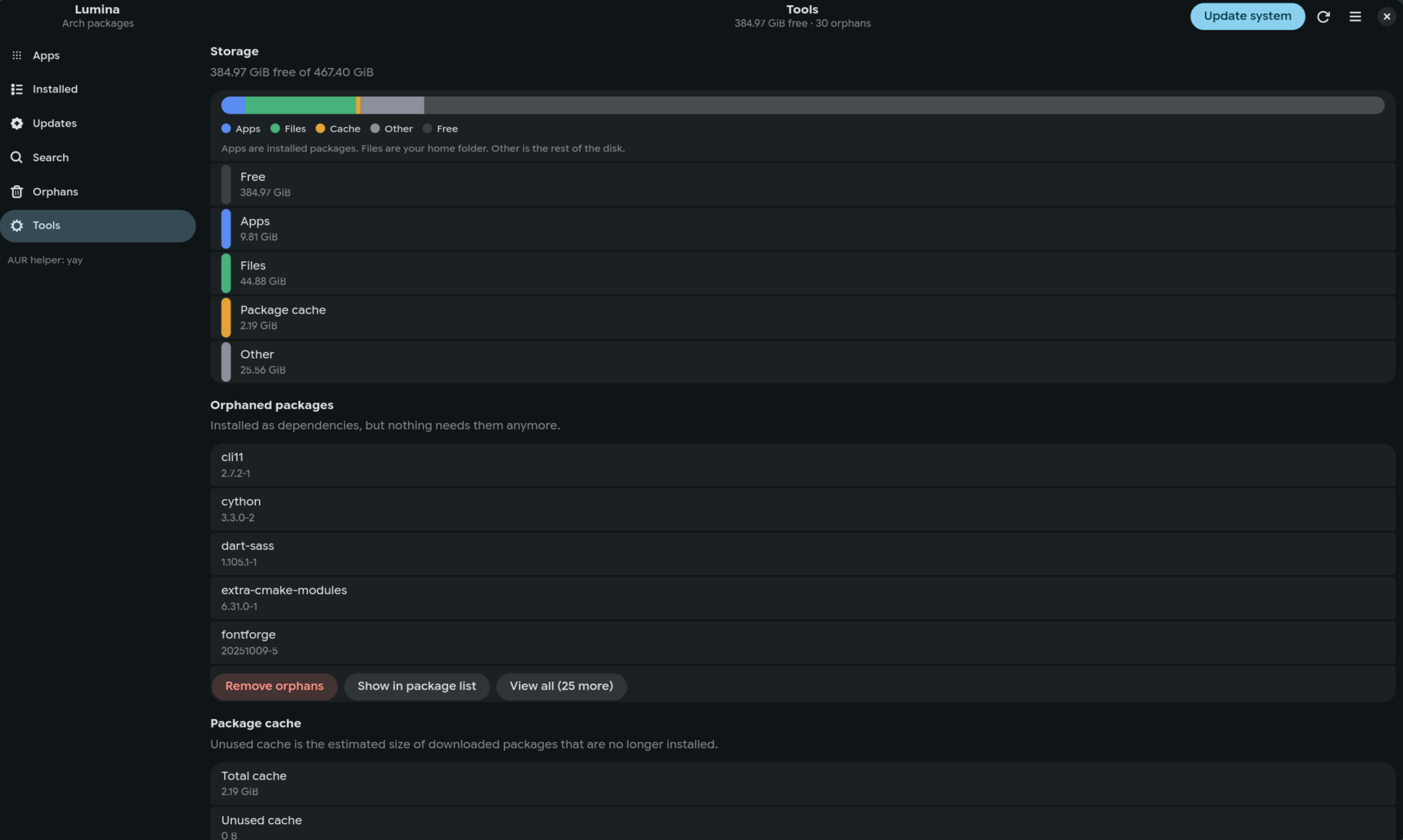
Discover
Common apps, with icons, grouped into web, creative, games, media, and development. Search is there if you already know the package name.
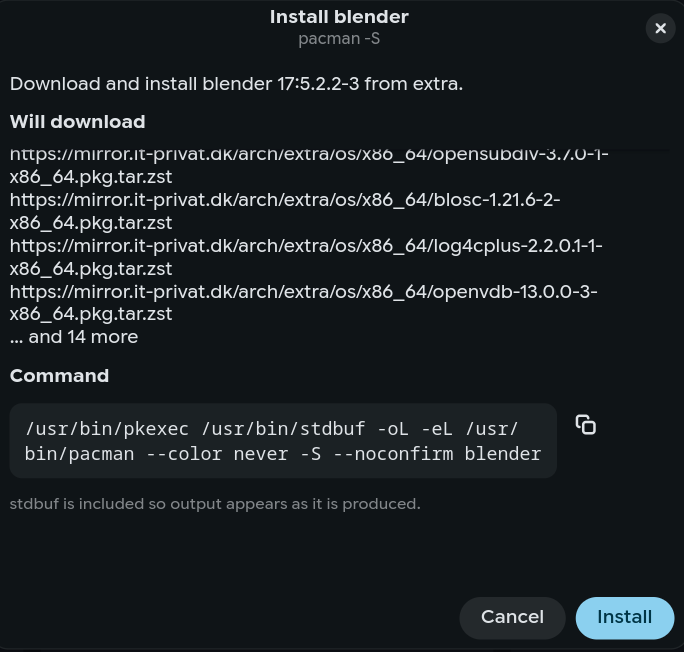
Tools
Orphans, cache size, and a disk bar for apps, files, cache, and free space. Removing orphans or cleaning the cache shows the command first.
Screenshots
Alternatives
Other ways to install packages on Arch, and where they differ.
- Pamac
- The usual one on Manjaro. Looks finished. The pacman command stays inside it.
- Octopi
- Qt front-end. It's been around for years. You don't get the argv before it runs.
- GNOME Software, Discover
- App stores. Fine if you want Flatpak. Not a console for pacman, and the AUR is barely there.
- The terminal
- Still does the whole job. Lumina is for the list, the filters, and the details, with the command left on screen.
Install
This site serves the script. It downloads Lumina from the same host, checks SHA-256, then runs the installer. The hash catches a truncated file. It does not make plain HTTP safe. Use HTTPS if you aren't on your own network.
curl -fsSL /install.sh | bash
What it installs
luminain~/.local/bin, plus a desktop entry and an icon- Missing libraries via pacman: Python, GTK4, libadwaita, polkit
- AUR only if
paruoryayis already installed. paru if both are.
Before you run it
- Arch, or an Arch-based system
- A polkit agent in the session. On Hyprland that's often
polkit-kde-agent ~/.local/binonPATH. The installer says so if it isn't.
Other commands
curl -fsSL /install.sh | bash -s -- --system
All users, under /usr/local.
curl -fsSL /install.sh | bash -s -- --uninstall
Removes the current-user install. Add --system to remove /usr/local.
CtrlF search F5 refresh Delete remove CtrlQ quit